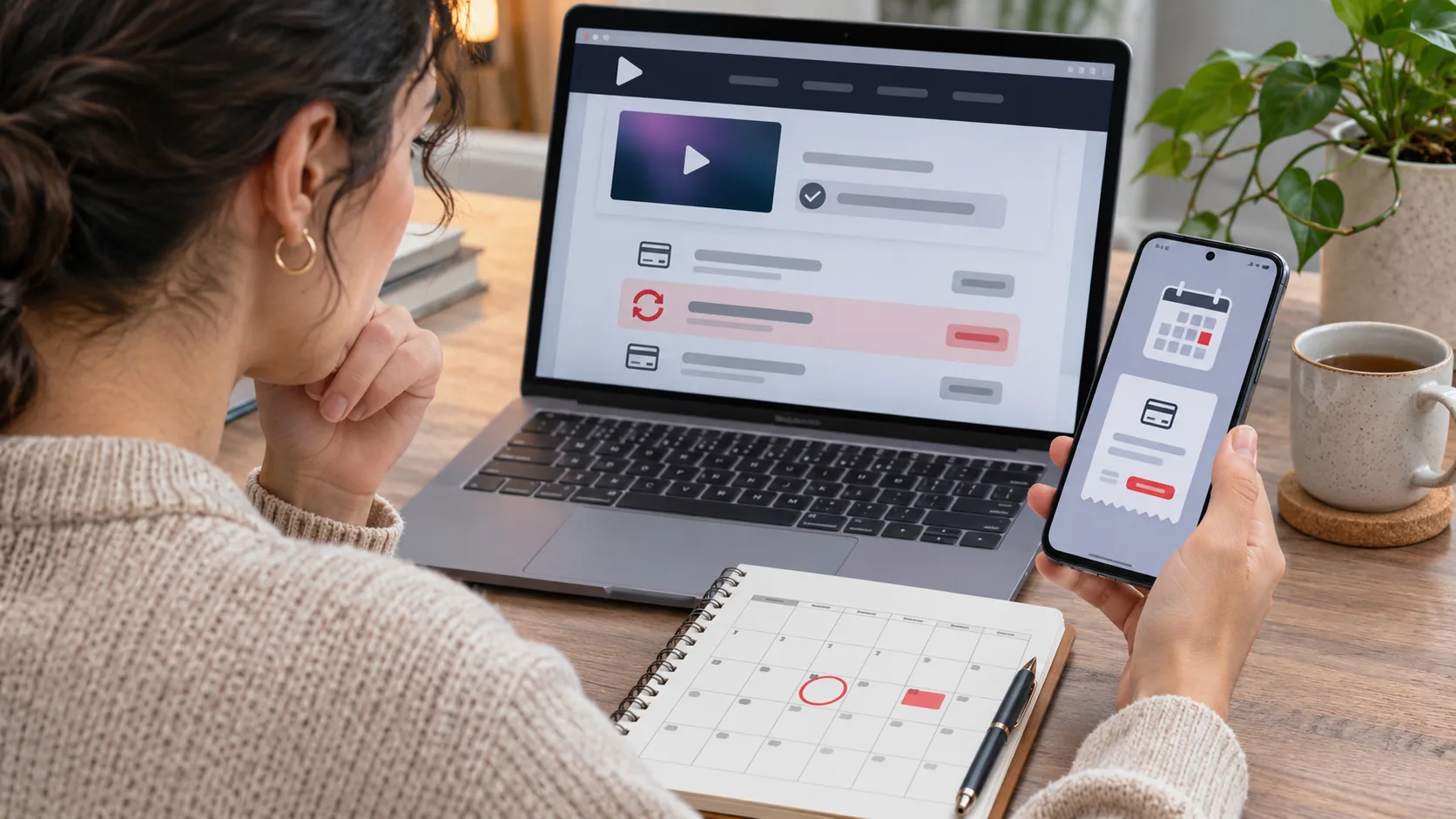
I had tapped cancel, read the confirmation, and gone back to my evening. The next day a card alert appeared for the streaming service. Before deleting the app or filing a chargeback, I checked the transaction: a cancellation usually stops a future renewal, but it does not necessarily reverse a payment already being processed.
The right support desk depends on who billed the subscription: the service itself, Apple, Google Play, or another marketplace. Refund rights and timelines vary by country, so treat these steps as a way to identify the transaction and reach the correct seller.
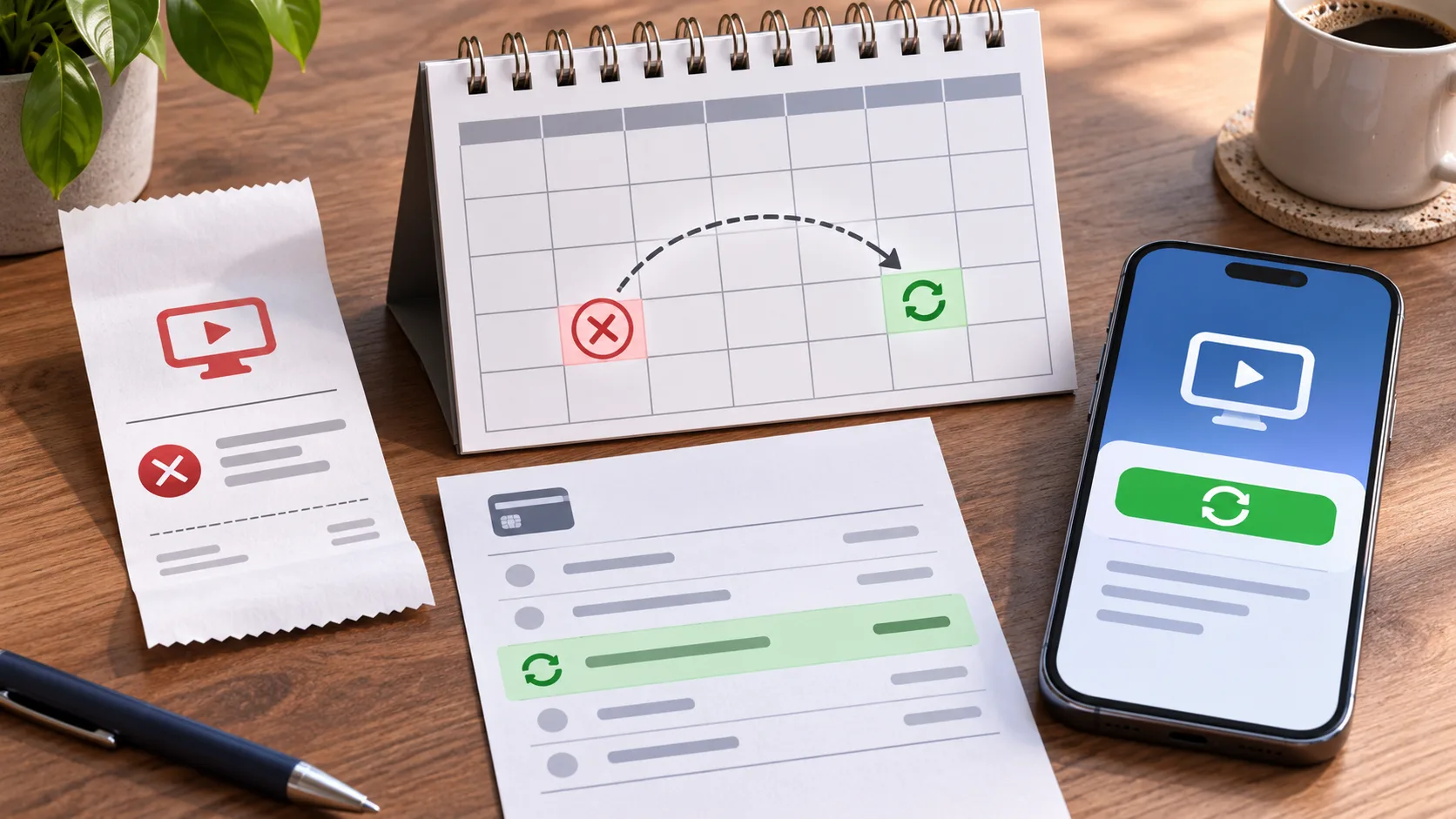
Identify the seller and transaction status
Open the card transaction details and find the merchant descriptor, amount, date and status. Compare these with the email receipt and the store’s purchase history. A pending authorization is not always a completed charge; check again after the bank updates it. If two transactions have both posted, save both references before contacting support.
| Evidence | What it may indicate | Where to go next |
|---|---|---|
| Apple or Google receipt | Store handled billing | Store subscription and refund help |
| Service receipt | Direct billing | Service account billing support |
| Pending card entry | Authorization still processing | Monitor status and keep a record |
| Two posted entries | Possible duplicate billing | Ask the seller to investigate both |
Match the receipt to the account
Sign in to the account named on the receipt and open its subscription page. Check whether it says canceled, when access ends, and whether another renewal date appears. Uninstalling an app does not normally cancel billing. A family member or a second email address may also own the subscription, so compare the receipt with the account currently open.
For Apple or Google Play billing, use that account’s purchase and subscription controls. For a plan bought on the service’s website, use its billing page. Keep the cancellation confirmation, receipt, transaction ID and date together; they make a support request much easier to trace.
The official steps are listed in Apple’s subscription cancellation guide and Google Play’s subscription help. The receipt identifies which platform account to use.
Ask the actual billing party
If a completed charge still looks wrong, contact the seller shown on the receipt. State the amount, billing date, account identifier and cancellation date, then ask clearly for a refund review or duplicate-charge investigation. A streaming service may not be able to reverse a transaction processed by an app store.
If the charge was not authorized or the seller cannot resolve it, ask the card issuer about its dispute process. A chargeback for a valid renewal can affect account access, so explain the facts accurately. Never send a full card number, security code or one-time passcode in email or a public forum.
Build a short timeline before asking for help
Write down when you started the plan, where you subscribed, when you requested cancellation, what confirmation appeared, the next renewal date shown in the account, and when the transaction appeared at the bank. This separates a cancellation that did not complete from a renewal already in progress or a charge tied to another account. Processing cutoffs can matter around the renewal date, so compare the timestamps on the receipt and cancellation confirmation rather than relying only on memory.
Check the billing period attached to the charge. A charge posted today may cover a period that began before cancellation, and access may remain active until that period ends. The account page should show an end date or renewal state; the app being installed on a phone does not establish whether a subscription is active. If the account says canceled but a new period is listed, save a screenshot and ask the billing party to explain the discrepancy.
Rule out a second account or separate plan
Households sometimes have more than one subscription to the same service. One person may have subscribed through a website while another started a plan through an app store. A family bundle can also be billed to the organizer’s account even when another member watches. Compare the receipt’s account identifier and seller with the account currently open. Search the email inbox used for billing for the service name, “receipt,” and the merchant descriptor, but do not click links in an unexpected payment message.
Use the official app or type the service address yourself to inspect the account. Do not share a password with a family member just to check billing; ask the account holder to review the subscription screen or download the receipt. If you find two plans, cancel the one you do not need through its own billing platform. Cancelling a storefront plan does not necessarily cancel a separate direct-billed plan.
Make the refund request easy to investigate
A concise support request can state: “I canceled on [date] in [platform]. The account showed an end date of [date]. A charge for [amount] appeared on [date], transaction reference [ID]. Please confirm whether it posted and review it for a refund or duplicate billing.” Use the seller’s secure support form for the reference number. Send only the information needed to locate the transaction, and never provide the full card number, security code, banking password, or one-time authentication code.
Keep the cancellation confirmation and receipt until the issue is resolved. If the seller asks for proof, share a cropped screenshot showing the relevant subscription status and date while hiding unrelated transactions, addresses, or other people’s information. Record the case number and contact date. If a reply does not arrive within the stated timeframe, follow up with that case number rather than opening multiple unrelated requests.
Refund outcomes and cooling-off rights vary by country, payment method, and timing. A seller may refund a mistaken renewal, offer a different remedy, or explain that a completed billing period is not refundable under its terms. If the payment was unauthorized, tell the seller and issuer that clearly and promptly. If it was an expected renewal but the cancellation timing is disputed, describe the dates and evidence instead of calling it fraud. Accurate wording helps the right team investigate.
Avoid actions that complicate the account
Deleting the streaming app, changing the email password, and removing a saved card do not necessarily cancel an active subscription. A card issuer may block future recurring payments, but that alone does not close the service account or settle whether a previous charge is owed. Use the seller’s cancellation screen and save its confirmation. If you cannot access the account, use the official recovery page and contact the billing platform shown on the receipt.
While waiting, check that the account no longer shows a future renewal. If it does, repeat cancellation through the correct platform and capture the final confirmation. Ask whether access continues through the paid-through date and whether cancellation affects family members. This helps avoid a surprise loss of access while resolving the charge.
For a family plan, let other members know before changing the subscription. Removing the organizer’s plan may end profiles or shared access even if their individual accounts remain. If the service offers a lower-cost plan or a pause, compare the renewal date and terms before choosing it; do not assume a pause refunds the current payment. The immediate task is to stop any unwanted future renewal and resolve the transaction already shown by the bank.
Keep in mind that a refund approval and the appearance of money in a bank account are separate events. The seller or platform may first approve a refund, then the card issuer or payment provider needs time to post the credit. If the refund is approved but not visible, check the seller’s stated timeframe and ask the card issuer how credits appear on the statement. Do not submit the same refund form repeatedly; Google Play specifically says multiple requests do not speed the process. Save the confirmation and case number while you wait.
When comparing the receipt to your statement, look for a shortened merchant name or parent company. A legitimate billing descriptor may not match the streaming brand exactly, but do not assume an unfamiliar charge is valid. Use the official account purchase history or the card issuer’s transaction details to verify it. If you still cannot connect the merchant to a purchase, report the uncertainty through the official support route and ask the issuer about its procedures. Avoid calling a number from an unexpected text message.
Common questions
Does deleting the app cancel the plan? No. Check the billing platform’s subscription page and confirm its status.
Should I dispute a pending payment? First find out whether it has posted. Keep the receipt and cancellation evidence while the issuer updates the transaction.
Where do I request a refund? Start with the seller or platform named on the receipt; local refund rules differ.
At a glance
Use the receipt to identify the seller and whether the payment is pending or posted.
Send the billing party your dates and records, and keep payment credentials private.